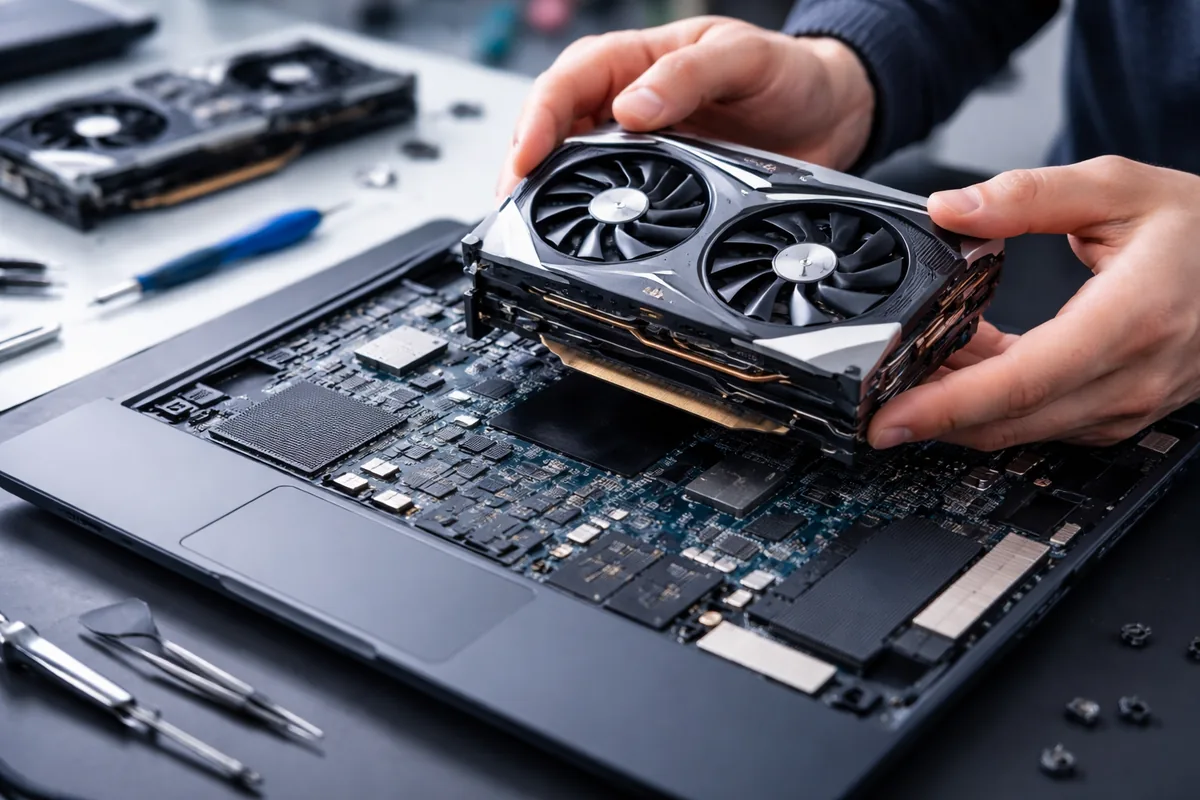
Upgrading a laptop's graphics card is generally not easy, as most laptops have integrated or fixed graphics solutions that cannot be replaced. However, there are some exceptions and alternatives worth exploring.
Understanding laptop graphics architecture
Laptops typically come with one of three types of graphics solutions: integrated graphics, dedicated graphics cards, or a combination of both. Integrated graphics are built into the CPU and share system memory, while dedicated graphics cards are standalone units, often offering superior performance for gaming and graphical tasks. The upgrade potential largely depends on which type of graphics solution your laptop has.
Factors limiting laptop graphics card upgrades
Several factors limit the ability to upgrade a laptop's graphics card. First, many laptops are designed with a non-removable graphics card, meaning that the only option is to replace the entire motherboard. This is often not cost-effective and may not yield a significant performance improvement. Even laptops with removable graphics cards often have proprietary designs, making it challenging to find compatible replacements.
External graphics options
If you own a laptop with a Thunderbolt 3 port, you might consider using an external graphics card (eGPU). An eGPU allows you to connect a desktop-grade graphics card to your laptop via an external enclosure. This can dramatically enhance gaming and rendering performance but usually requires a financial investment in both the enclosure and the graphics card itself. While an eGPU isn't a direct upgrade and involves additional equipment, it is a feasible solution for many users seeking better performance.
How to assess your laptop's upgradeability
To evaluate if you can upgrade your laptop’s graphics capabilities, start with the model specifications. Check the manufacturer's documentation for information on whether the graphics card is removable or integrated. Tools like CPU-Z can provide detailed insights into the laptop's components, including its graphical capabilities. If you have a laptop with a removable graphics card, look for compatible upgrade options online or consult forums and reviews to inform your decision.
Alternative performance enhancements
If upgrading the graphics card isn’t feasible, consider alternative methods for boosting performance. Increasing RAM can enhance multitasking capabilities, while switching from a hard drive to an SSD will significantly improve load times for applications and games. Additionally, adjusting in-game settings to find an optimal balance between graphics quality and performance can yield better results without any hardware changes.
Considerations before upgrading
Before deciding on an upgrade, consider the overall age and condition of your laptop. An older model may not support advanced graphics technologies, and investing in a new laptop could be a more prudent choice. Additionally, evaluate your usage patterns—if gaming is infrequent, options like cloud gaming services could bypass the need for a graphics card upgrade entirely.
Cables and compatibility overview
| Connection Type | Compatibility | Notes |
|---|---|---|
| Thunderbolt 3 | High-end laptops | Compatible with eGPUs for vast performance improvements |
| Mini PCI-E | Some older models | Often limited upgrade options, check manufacturer specifications |
| Dedicated GPU slot | Upgradable models | Ensure compatibility with the existing system before purchase |
Final thoughts on upgrading graphics in laptops
Upgrading a laptop's graphics card isn't straightforward and often involves significant challenges. While some laptops allow for minor upgrades, many are constrained by design choices that lock users into their original specifications. Exploring external graphic options, alternative performance enhancements, or even considering a new laptop may lead to better overall experiences for users looking to enhance their graphics performance.
FAQ
Can all laptops have their graphics cards upgraded?
No, many laptops have integrated graphics or proprietary designs that do not allow for easy upgrades of the graphics card.
What is an external graphics card and how does it work?
An external graphics card (eGPU) connects to a laptop via Thunderbolt 3 or USB-C, allowing for greater graphical performance without modifying the internal hardware.
What should I consider before upgrading my laptop?
Assess the age of your laptop, whether the graphics card can be upgraded, and the cost-effectiveness of the upgrade versus buying a new machine.
Are there performance boosts I can achieve without upgrading my graphics card?
Yes, increasing RAM, using SSDs, and optimizing gaming settings can provide significant performance improvements without hardware changes.
How can I check if my laptop graphics card is replaceable?
Refer to the manufacturer's specifications and documentation, or use diagnostic tools like CPU-Z to look at your laptop's architecture.

Jordan Riley
Tech writerJordan is passionate about demystifying technology for everyday users. She enjoys writing about the latest trends in computing.