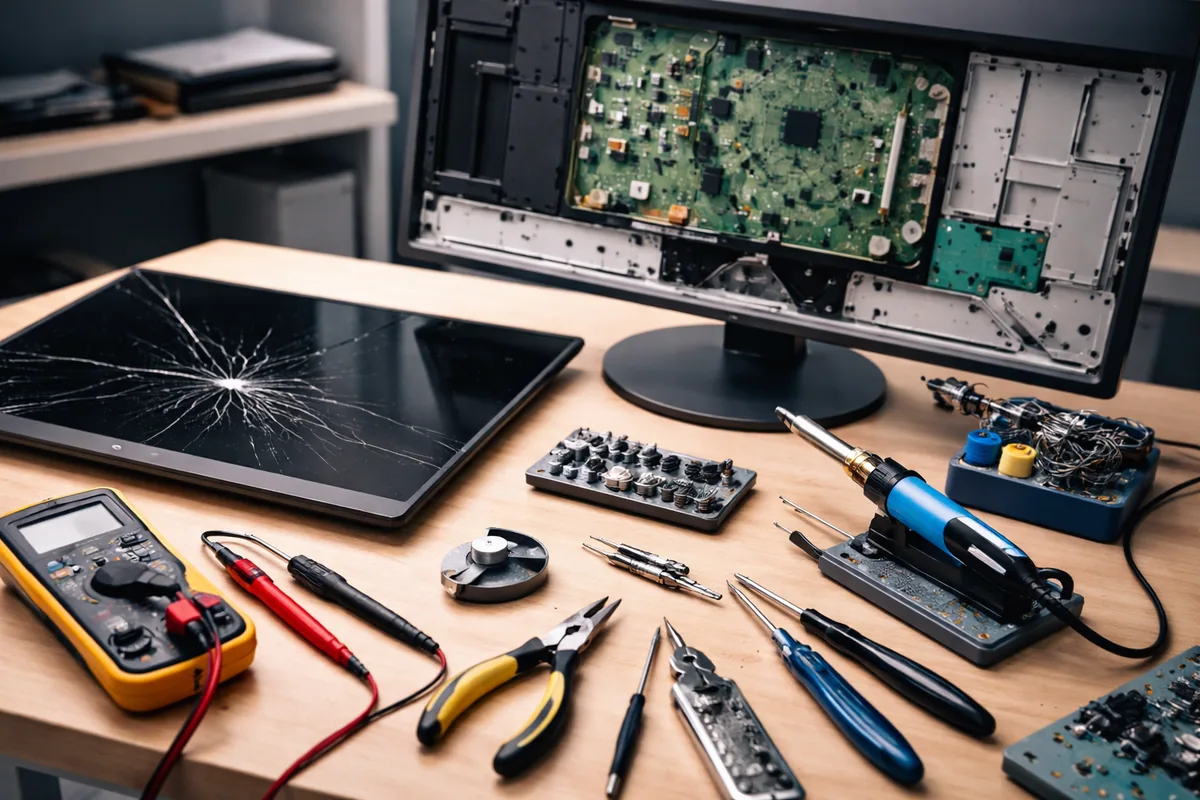
If you’re looking to repair a broken monitor, you’ll need some specific tools to effectively diagnose and fix common issues. Key tools include screwdrivers, multimeters, soldering irons, and more. Equipped with these essentials, you can tackle various monitor repair tasks with confidence.
Essential tools for monitor repair
The most crucial tools for repairing monitors are those that assist in disassembly, testing, and reassembly. These tools allow you to access internal components safely and make necessary repairs. Here’s a detailed look at each essential tool:
Screwdrivers
A set of precision screwdrivers, including Philips and flathead types, is indispensable for a monitor repair. Monitors are typically sealed with screws of various sizes, and having a precise screwdriver set allows you to open the casing without damaging it. Opt for a magnetic screwdriver to avoid losing screws during the repair process.
Multimeter
A digital multimeter is essential for testing electronic components within the monitor. It helps you measure current, voltage, and resistance, allowing you to diagnose issues effectively. Use it to check the power supply and other critical circuits within the monitor to identify any faulty components.
Soldering iron
If you encounter broken or loose connections, a soldering iron comes into play. To ensure a reliable and permanent connection, choose a soldering iron with a fine tip for precision. Always work in a well-ventilated area and follow safety procedures when soldering to avoid burns and damage.
Additional tools for specialized repairs
While the tools mentioned above are sufficient for standard monitor repairs, some situations may require more specialized equipment tailored to specific issues that might arise.
ESD strap
Replacement parts
When repairing monitors, having a stock of common replacement parts, such as capacitors, inverters, and screens, can speed up the process significantly. Obtaining parts from reputable sources is vital, as this ensures compatibility and quality in your repair work.
Steps to diagnose common monitor problems
Once you have gathered the tools needed for the repair, diagnosing the issue is the next step. Common monitor problems include no display, flickering screen, or color issues. Here’s how to approach these problems:
Assessing power issues
Start by checking if the monitor powers on. If there’s no power indicator light, utilize the multimeter to test the power supply. Check cable connections and ensure the outlet is functioning. In some cases, a blown fuse within the monitor can prevent it from powering on.
Diagnosing image issues
If the monitor powers on but shows no image, check the video cable connections. Disconnect and reconnect the cable while inspecting for any visible damage. Next, test the monitor with a different computer to rule out issues with the graphics card or the system itself. If the issue persists, internal components may need to be inspected.
Safety tips during monitor repair
While repairing monitors can be rewarding, remember to prioritize safety. Here are essential safety tips to keep in mind:
Working in a safe environment
Ensure your work area is clean and well-lit to reduce the risk of accidents. Remove any unnecessary items to maintain focus. Always handle tools with care, especially those that are sharp or hot, such as soldering irons.
Handling components carefully
Monitor internal components can be fragile; handle them with caution to avoid damaging delicate parts. Avoid touching exposed circuitry with your hands. Utilize ESD protection whenever dealing with electronic components.
Monitor repair troubleshooting
Here’s a table summarizing common monitor issues and potential fixes:
| Issue | Potential Cause | Solution |
|---|---|---|
| No power | Power supply failure | Test with a multimeter; consider replacing the power supply. |
| Flickering display | Loose connections | Check and secure all cable connections; test with a different cable. |
| No image | Faulty graphics card | Test with another computer to identify if the issue is with the monitor; replace the graphics card if necessary. |
FAQ
What type of screwdriver do I need for monitor repair?
A set of precision screwdrivers, including Phillips and flathead types, is essential for monitor repair.
Do I need special tools to repair a monitor?
Basic tools like screwdrivers and a multimeter are necessary, but an ESD strap and soldering iron are recommended for more advanced repairs.
How can I tell if my monitor power supply is faulty?
You can test the power supply using a multimeter to check for output voltage. A lack of output indicates a faulty power supply.
Is monitor repair worth it compared to buying a new one?
Repairing can be cost-effective if the damage is minor and components are readily available, making it a viable option for many users.
Can I replace a monitor screen myself?
Yes, but you'll need the right tools and replacement parts. Ensure you're comfortable with the process, as it can be intricate.

Jordan Riley
Tech writerJordan is passionate about demystifying technology for everyday users. She enjoys writing about the latest trends in computing.