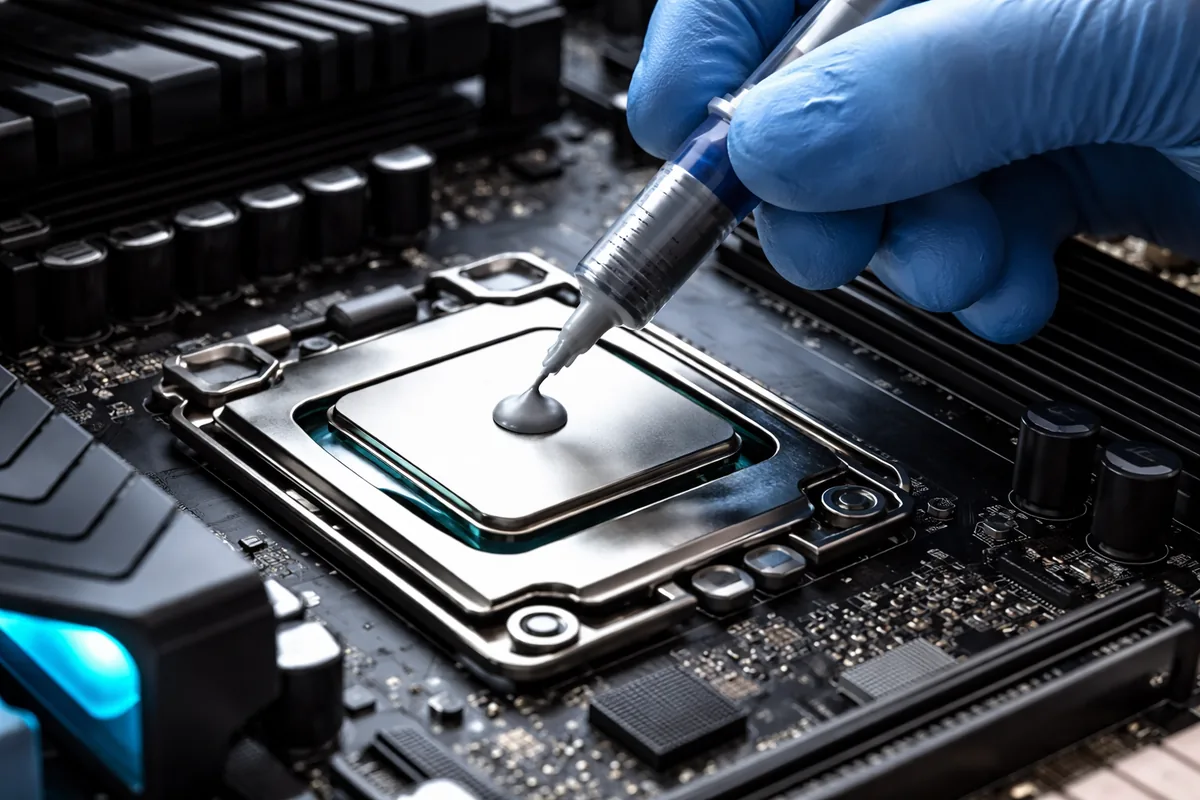
Replacing thermal paste in a CPU is crucial for maintaining optimal thermal efficiency and performance. Generally, you should replace the thermal paste every few years, or sooner if you notice signs of overheating or after disassembling the CPU cooler. This ensures that the processor and its heatsink maintain an effective thermal interface and prevent overheating.
Understanding the role of thermal paste
Thermal paste, or thermal compound, fills microscopic gaps between the CPU and the heatsink, improving heat transfer efficiency. Without adequate thermal conductivity, the CPU can overheat, leading to reduced performance or even permanent damage. The paste helps to ensure that the heat generated by the CPU moves away efficiently, allowing your processor to maintain stable performance.
Signs indicating that it’s time to replace thermal paste
There are several indications that might suggest it’s time to replace your CPU’s thermal paste:
- Increased temperatures: If you notice higher-than-usual CPU temperatures while monitoring your system, it could indicate that the thermal paste has degraded over time.
- Frequent thermal throttling: If your CPU starts throttling performance due to high temperatures, replacing the thermal paste could prevent this issue.
- Regular disassembly: Whenever you remove the CPU cooler for maintenance or upgrades, it's good practice to replace the thermal paste to ensure optimal contact.
- Aging paste: Thermal paste does not last indefinitely. Depending on the type used, it can dry out or become less effective after a couple of years.
How to properly replace thermal paste
When you decide it's time to replace the thermal paste, follow these steps to do it properly:
- Gather necessary tools: You will need isopropyl alcohol, a lint-free cloth or paper towel, and new thermal paste.
- Shut down and unplug your PC: Ensure that your computer is completely powered off and disconnected to avoid any electrical issues.
- Remove the CPU cooler: Carefully unscrew or unclip the cooler from the CPU, taking care not to damage the CPU or motherboard.
- Clean the old paste: Use isopropyl alcohol and a lint-free cloth to gently remove the old thermal paste from both the CPU and the heatsink.
- Apply new thermal paste: Apply a small amount (about a pea-sized dot) of new thermal paste to the center of the CPU.
- Reattach the cooler: Position the CPU cooler back onto the CPU and secure it according to the manufacturer's instructions.
- Power on your PC: Start your computer and monitor the temperatures to ensure everything is functioning correctly.
The different types of thermal paste
There are several types of thermal paste available, each with unique properties and effectiveness:
| Type | Conductivity | Durability | Viscosity |
|---|---|---|---|
| Ceramic | Moderate | Good | Medium |
| Metal-based | High | Excellent | Low |
| Carbon-based | Moderate | Very good | Medium |
| Liquid metal | Very high | Excellent | Very low |
Choosing the right thermal paste can affect the cooling efficiency significantly, and it’s best to select one that matches your usage and needs. Metal-based pastes often offer the best performance but can be more challenging to apply.
Common myths about thermal paste
There are many misconceptions surrounding thermal paste that can lead to confusion:
- Myth #1: More paste equals better performance. In truth, applying too much thermal paste can lead to the paste spilling over the edges of the CPU and potentially causing electrical issues.
- Myth #2: Thermal paste lasts forever. The reality is that thermal paste degrades over time, necessitating replacement based on usage conditions.
- Myth #3: All thermal pastes are the same. Different materials have vastly different properties, affecting heat transfer efficiency.
FAQ
How often should I replace thermal paste?
It's recommended to replace thermal paste every 2 to 3 years, or sooner if you experience overheating issues.
Can I use any thermal paste for my CPU?
While many pastes work well, selecting one specifically designed for CPUs can optimize performance.
Is applying thermal paste difficult?
Applying thermal paste is relatively simple; as long as you follow the proper steps, even beginners can do it effectively.
What happens if I don’t replace thermal paste?
Failing to replace thermal paste can lead to overheating, resulting in reduced performance or potential CPU damage over time.
Can I reuse thermal paste?
Reusing thermal paste is not advisable, as it may not provide optimal thermal conductivity after the first application.

Jordan Riley
Tech writerJordan is passionate about demystifying technology for everyday users. She enjoys writing about the latest trends in computing.