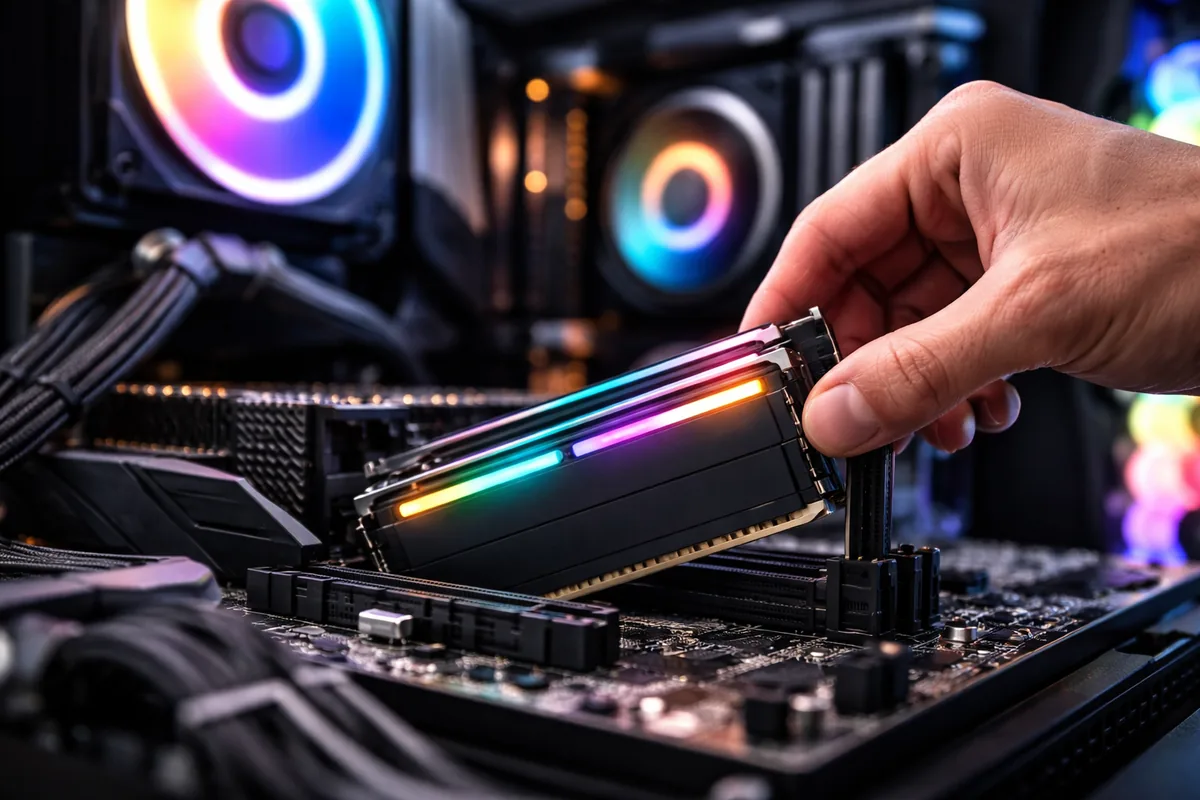
To optimize RAM for better gaming performance, you can free up memory, adjust settings, and ensure compatibility. These steps are essential for achieving a smoother gaming experience.
Understanding RAM's role in gaming
RAM, or Random Access Memory, is a critical component in a gaming PC that temporarily stores data for applications in use. In gaming, it enables quick access to the required data, affecting how well a game runs. Insufficient RAM can lead to stuttering, longer load times, and even crashes. Therefore, understanding how RAM functions can help you make informed optimization decisions.
Freeing up RAM for gaming
One of the simplest ways to optimize RAM for gaming is to minimize background applications. Many programs run automatically on startup, consuming memory that could be allocated to your game. Disabling unnecessary startup applications can free up RAM and improve performance during gameplay.
Similarly, closing unused applications while gaming can significantly increase the RAM available to your game. Utilizing a task manager to identify and terminate these processes can boost performance. Monitoring usage in real-time allows you to determine which applications are memory-hungry and address them as needed.
Adjusting system settings for optimal performance
Adjusting certain Windows settings can have a positive effect on RAM usage. For instance, enabling game mode in Windows can help prioritize system resources for your games. Similarly, adjusting the virtual memory settings can also enhance performance. Increasing the paging file size may help when RAM is insufficient, allowing for more smooth gameplay.
Another effective strategy is to turn off unnecessary visual features in Windows, like animations and transparency effects. These settings can consume RAM, so switching to a more streamlined appearance can help dedicate more memory to gaming.
Utilizing RAM optimization software
Various third-party software solutions can help optimize your RAM usage. These applications can automate the freeing of RAM, manage startup programs, and enhance performance through system tweaks. Some popular tools allow you to monitor RAM usage, providing insights into where optimization is necessary.
Before selecting RAM optimization software, research user reviews and verify that the tool is safe and effective. While many tools are beneficial, selecting the right one can enhance your gaming performance significantly.
Upgrading RAM: When and why
Sometimes, optimizing your existing RAM isn't enough, and a physical upgrade is the best option for enhanced gaming performance. If your current RAM is below the recommended requirements for modern AAA games, it's time to consider an upgrade.
When choosing new RAM, ensure it's compatible with your motherboard and existing hardware. Consider the type (DDR4, for example), speed, and capacity. Generally, 16GB of RAM is considered a minimum for most gaming needs, while 32GB can provide extra headroom for multitasking and future-proofing your system.
| RAM Type | Speed | Recommended Capacity for Gaming |
|---|---|---|
| DDR4 | 2400-3200 MHz | 16GB |
| DDR4 | 3200-4000 MHz | 32GB |
| DDR3 | 1600-2133 MHz | 8GB |
Ensuring RAM compatibility with your gaming setup
Compatibility is crucial when optimizing RAM for better gaming. Not all RAM will function with every motherboard, which can lead to underperformance or system instability. Check your motherboard’s specifications to understand the supported RAM types, speeds, and capacities.
Using tools like CPU-Z can help identify your current RAM and its specifications, making it easier to find compatible options. Pay close attention to latency and speed ratings to ensure the new RAM will work seamlessly with your existing setup.
Monitoring performance improvements
After implementing RAM optimizations, it's essential to monitor the performance enhancements during gameplay. Tools such as MSI Afterburner or built-in FPS counters can help you gather data on frame rates and system performance. Analyzing this data can provide insights into the effectiveness of your optimizations.
If you notice tangible improvements, consider further adjustments or tweaks to maximize your gaming experience. Continued monitoring allows you to maintain peak performance as new games and updates arise.
FAQ
How much RAM do I need for gaming?
A minimum of 16GB of RAM is recommended for most gaming needs, while 32GB can provide extra flexibility and future-proofing.
Can I use different brands of RAM together?
Yes, but it is advisable to use RAM with similar specifications (speed, timings, voltage) to avoid compatibility issues.
Will upgrading RAM improve my FPS in games?
Upgrading RAM can improve FPS if your current setup is limited by insufficient memory. However, other factors like the graphics card also play a crucial role.
How do I check my current RAM usage?
You can check RAM usage through the Task Manager in Windows by opening it and navigating to the Performance tab.
Is RAM optimization software safe to use?
Most reputable RAM optimization software is safe to use, but always verify user reviews and ensure you download from trustworthy sources.

Jordan Riley
Tech writerJordan is passionate about demystifying technology for everyday users. She enjoys writing about the latest trends in computing.