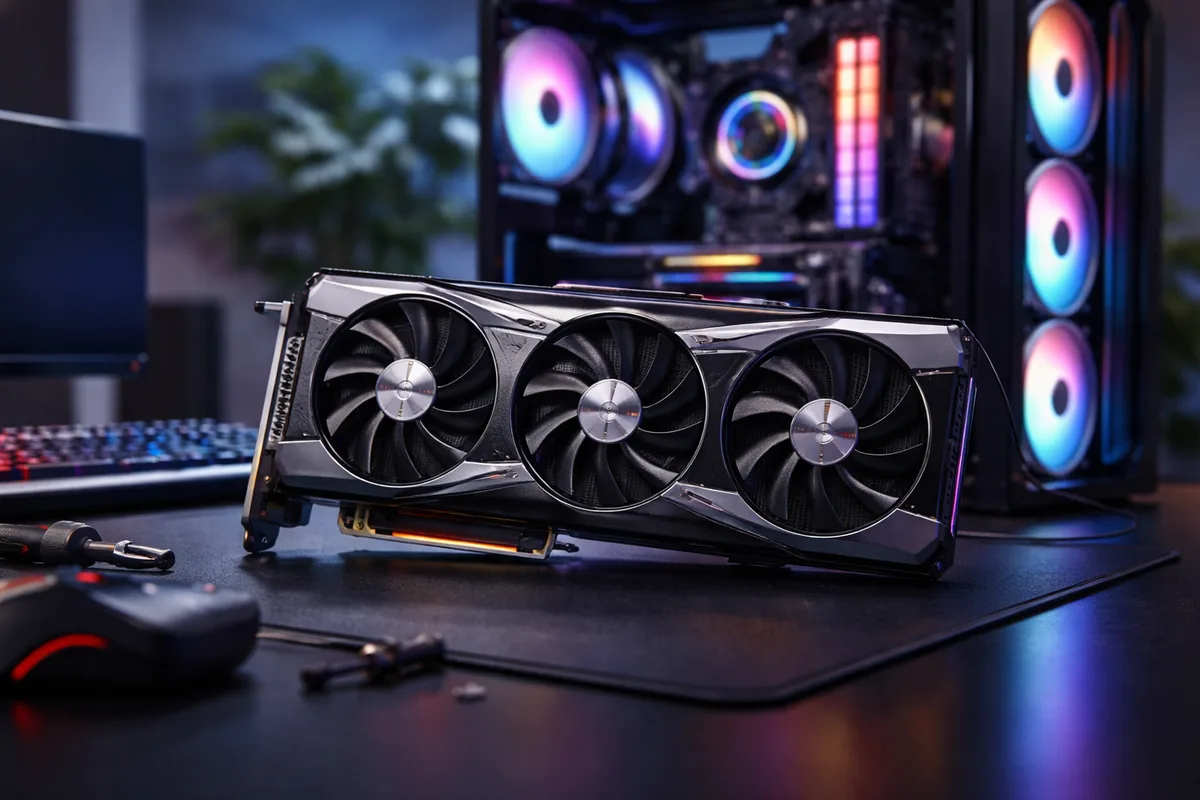
Choosing the right graphics card for gaming is crucial for ensuring an optimal gaming experience. Key factors include performance, compatibility, and budget. Evaluating these elements will help you make a well-informed decision.
Understanding graphics card performance
Graphics card performance is primarily determined by its GPU (Graphics Processing Unit) architecture, clock speed, and memory. The GPU is the heart of the graphics card, processing all graphical data and rendering images on your screen. High-performing GPUs possess advanced architectures that enhance rendering capabilities, resulting in smoother gameplay and higher frame rates.
When analyzing clock speed, it is essential to recognize that higher numbers generally indicate better performance. However, it is not the only factor. The core count also matters; more cores typically equate to enhanced performance in multi-threaded tasks. Memory (VRAM) allows the graphics card to store and manage textures efficiently; a card with more VRAM can handle higher resolutions and more complex scenes.
Knowing your gaming requirements
Your gaming preferences significantly influence the type of graphics card you should choose. First, consider the games you frequently play and their graphical demands. Modern AAA games typically require more powerful GPUs compared to indie titles. Assess whether you're aiming for 1080p, 1440p, or 4K gaming, as the required graphics card will vary greatly with each resolution.
If you’re an esports enthusiast, you may prioritize high refresh rates over ultra-high resolutions, which may allow you to opt for a mid-range graphics card that delivers frames at a remarkable rate. Alternatively, for those who cherish visually stunning gaming experiences, investing in a high-end graphics card becomes essential for enjoying the full potential of graphics in demanding environments.
Evaluating compatibility with existing hardware
Before making a purchase, ensure that the graphics card is compatible with your current hardware. Firstly, check the motherboard slot. Most modern graphics cards use PCIe x16 slots, but you must confirm compatibility with your specific motherboard. Also, ensure that your power supply unit (PSU) meets the wattage requirements for the new graphics card.
Furthermore, the physical dimensions of a graphics card are another crucial compatibility factor. High-end models tend to be larger, potentially posing clearance issues within your PC case. Measure available space and account for airflow to prevent overheating, which can severely impact performance.
Budget considerations
Your budget plays a significant role in selecting the right graphics card. While it's tempting to go for the latest and most powerful models, setting a realistic budget will help you make a balanced choice. Assess what features and performance levels you truly need and weigh these against your financial constraints.
Consider potential future upgrades as well. Investing in a slightly higher-tier card might prolong its relevance in your setup as gaming demands evolve. Moreover, be wary of market fluctuations that can affect pricing; the availability of graphics cards may impact their costs, so keeping an eye on market trends can assist in making an economical choice.
Latest features to look for
Today's graphics cards come equipped with several advanced features enhancing performance and experience. Ray tracing is one such feature that simulates real-world lighting, offering improved visual fidelity in supported games. If you desire lifelike graphics, seek out cards that support ray tracing.
Another important aspect is support for DirectX 12 and other graphic APIs, which optimize how your games utilize the graphics card. Additionally, explore options for features like DLSS (Deep Learning Super Sampling), which boosts performance without sacrificing image quality. These modern capabilities are critical for maximizing performance in demanding scenarios.
| Feature | Description |
|---|---|
| Ray Tracing | Realistic lighting and reflections in supported games. |
| DLSS | Enhances performance through AI-driven image scaling. |
| VRAM | Memory capacity impacts texture quality and resolution. |
| PCIe slots | Ensure compatibility with your motherboard. |
FAQ
What is the ideal amount of VRAM for gaming?
The ideal amount of VRAM depends on your resolution and the games you play, with 4GB suitable for 1080p and 8GB recommended for 1440p or higher.
Can I use an older graphics card with new games?
While you can use an older graphics card, performance may be limited, and you might not be able to run newer titles at desirable settings or frame rates.
How do I know if my PSU can support a new graphics card?
Check the wattage requirements of the graphics card and compare it to the maximum output of your PSU, ensuring there is enough power available for stable operation.
Is it worth investing in a high-end graphics card?
If you desire the best gaming experience with high resolutions and graphical fidelity, a high-end graphics card is generally worth the investment.
What should I look for in a graphics card warranty?
Check the duration and coverage details of the warranty. A longer warranty often indicates manufacturer confidence in the product's durability.

Jordan Riley
Tech writerJordan is passionate about demystifying technology for everyday users. She enjoys writing about the latest trends in computing.